
How to Set Up a Convenient Charging Station for Your Devices
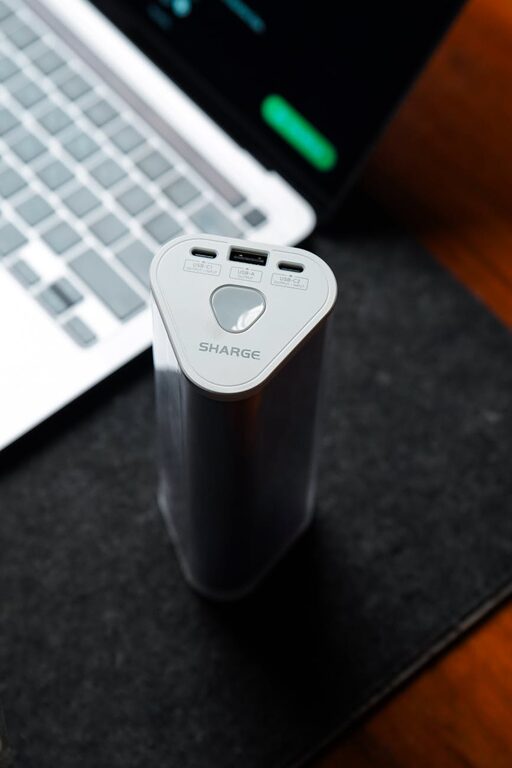
Setting up a dedicated charging station for your devices is a practical way to keep your space tidy and ensure your gadgets are always powered up and ready to go. Whether you have smartphones, tablets, wireless headphones, or smartwatches, a centralized charging area simplifies cable management and reduces clutter.
In this guide, we’ll walk you through the steps to create an efficient and attractive charging station tailored to your needs.
Why Set Up a Charging Station?
With the number of devices we use daily, charging multiple gadgets can quickly become chaotic. Charging stations offer several benefits:
– Organization: Keeps cables and devices in one place.
– Efficiency: Avoids searching for chargers.
– Safety: Reduces the risk of overheating by providing proper spaces and ventilation.
– Aesthetics: Creates a neat, clutter-free look on desks, countertops, or nightstands.
What You’ll Need
Before you begin, gather some essentials based on the devices you plan to charge:
– Multi-port USB charger or power strip with USB outlets
– Charging cables compatible with your devices
– A container or stand (optional) to hold devices
– Cable organizers, clips, or ties
– Power outlet near your chosen location
Step 1: Choose the Optimal Location
Consider the following when selecting where to set up your charging station:
– Accessibility: Pick a spot you frequently use, like your desk, living room, or bedside table.
– Power Source: Ensure there is a nearby electrical outlet.
– Ventilation: Avoid enclosed spaces to prevent devices from overheating.
– Safety: Keep cords away from foot traffic to prevent tripping or damage.
Step 2: Select the Right Charging Equipment
Depending on how many devices you own, select charging equipment that suits your needs:
Multi-Port USB Chargers
These chargers offer multiple USB ports allowing you to charge several devices simultaneously using one power outlet. Look for features like:
– Fast charging capability
– Overcurrent and short-circuit protection
– Compatibility with your devices
Power Strips with USB Ports
Power strips with built-in USB charging ports offer flexibility, especially if you need to plug in non-USB appliances as well. Choose one with surge protection for extra safety.
Wireless Charging Pads
If your smartphones or earbuds support wireless charging, consider including a wireless charger in your station.
Step 3: Organize Your Cables
Managing cables is crucial for a tidy charging station. Here are some tips:
– Use Cable Organizers: Clips, sleeves, or boxes designed to hold and separate cables prevent tangling.
– Label Cables: Identify each cable for quick recognition.
– Shorten Excess Cables: Use ties or wraps to bundle up extra length and avoid mess.
Step 4: Arrange Your Devices
Decide on how you will place the devices while charging:
– Use a charging dock or stand that holds devices upright.
– If space is limited, stacking devices on a small shelf or tiered organizer may work.
– Make sure devices have enough space around them for ventilation.
Step 5: Add Extra Features for Convenience
To enhance your charging station:
– Incorporate a small tray for keys, earbuds, or other small items.
– Use decorative containers or baskets matching your decor.
– Add a small lamp or clock nearby for added functionality.
Step 6: Maintain Your Charging Station
Keep your station clean and efficient by:
– Regularly untangling and inspecting cables for wear.
– Wiping the surface to prevent dust buildup.
– Updating chargers and cables as technology changes.
—
Summary
Creating a personalized charging station brings order and convenience to daily device charging. By carefully choosing your location, equipment, cable management tools, and device arrangement, you’ll make your space more functional and stylish. With a little preparation and regular upkeep, you can keep all your gadgets powered up smoothly and reliably.
Happy charging!